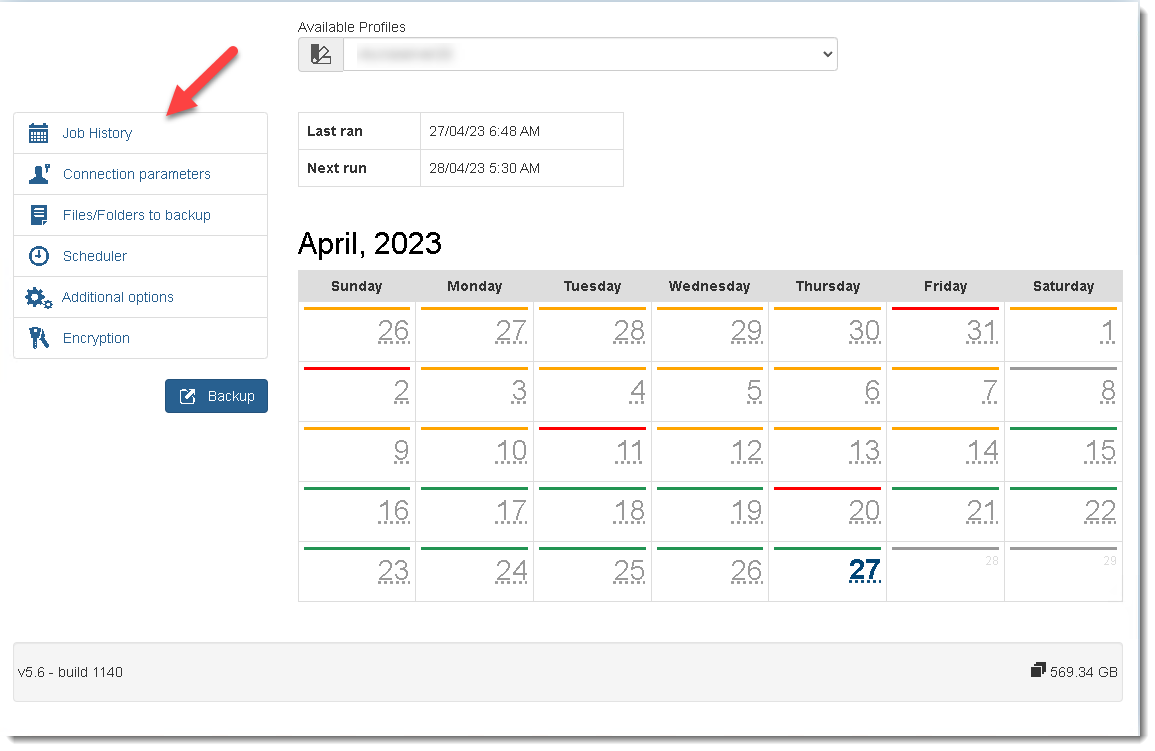
In the Job History screen Users can run manual backups at any time.
▪To do a manual backup click on the Backup button.
▪The colours in the calendar indicates the completion status of backups.
•Green - backup completed successfully
•Orange - backup completed with errors
•Red - backup did not complete
Log files are e-mail to the identified users for review and action. ( see Advanced options)