Set Up Connection Parameters
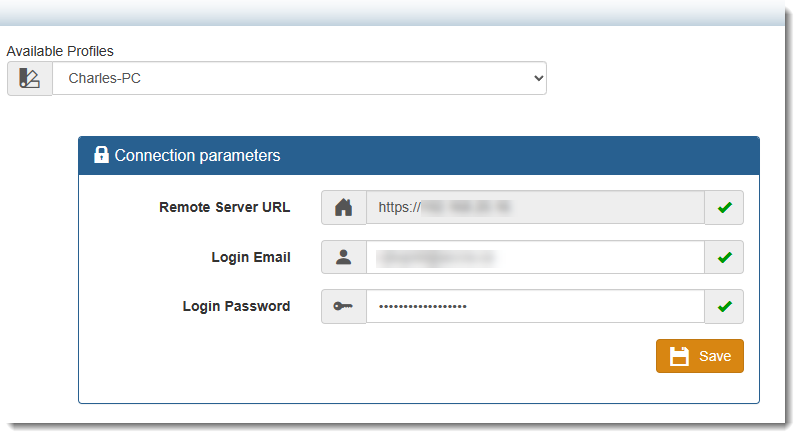
1) By default the backup server you have been assigned will appear in the Remote Server URL field.
2) Enter the email account you provided to Accra to create your user account in the Login Email field.
3) Enter the password provided by Accra for your Backup Account in the Login Password field
5) If your credentials are properly entered you will see GREEN check marks beside each validated field.. If you made an error, correct the error and validate your changes.
Note: too many failed attemps will lock out your account.
IMPORTANT:
Use the Save button to save your Profile settings
|