Receiving files
Receiving files is similar to sending.
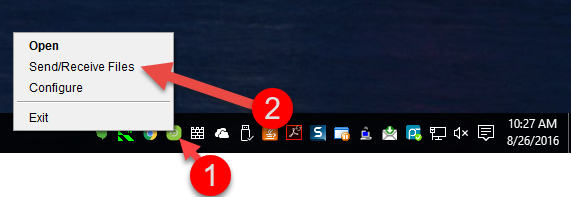
•Click Send/Receive Files item in the pop up menu for SyncBox in the Task Menu.
•Window for receiving files is similar to sending, with just some minor differences
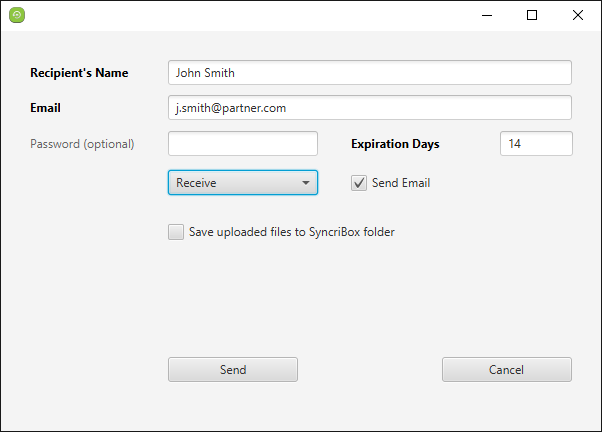
•Save uploaded files
When this is checked, files uploaded by the end-user will automatically be pushed to the user's computer through SyncBox.
SyncBox user must download the uploaded file from the Accra Solutions Inc.Sync Server manually if this box is not checked.
Receiving files via email
The sender can send the download file link via email to a person that does not have an SyncBox account. The receiving user should make certain the link provided is prefixed with HTTPS:// to make certain the data files are transferred in a secure and encrypted tunnel to the receiving PC. The email link should look something like:
HTTPS://securebackup.accra.ca/app?operation=pubopp&st=ta&li=201209010-1534079_12_5344210293
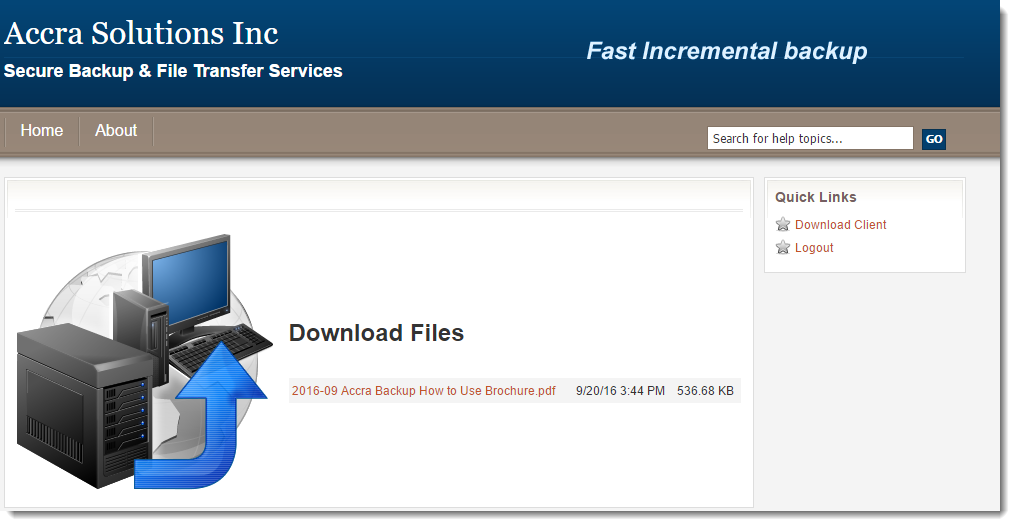
When the user clicks on the link they will be presented with a web page containing the file(s) to be downloaded
Confirmation of Download
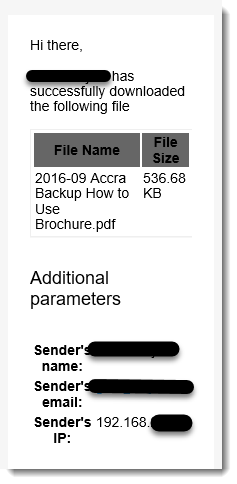
Once the receiver downloads the file(s) a confirmation of the download is sent to the sender.